I'm always excited to take on new projects and collaborate with innovative minds.
coffee@abhisat.com
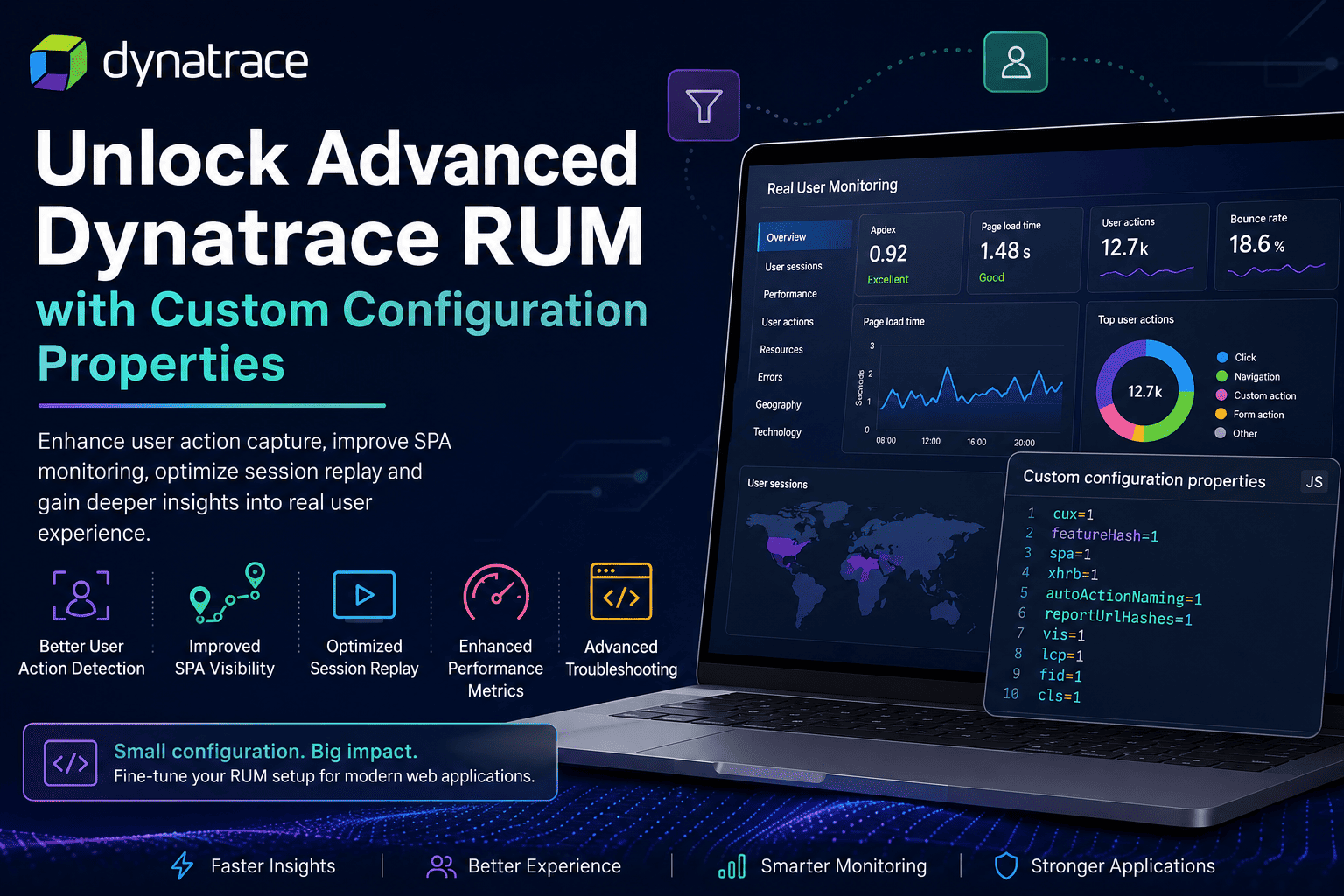
Discover advanced Dynatrace RUM custom configuration flags like cux, featureHash, spa, and xhrb to improve SPA monitoring, user action detection, session replay, API visibility, and frontend observability. Includes practical use cases, benefits, and recommended configurations in an easy tabular format.
Dynatrace Real User Monitoring (RUM) offers deep visibility into user interactions, frontend performance, and application experience. While the default RUM configuration works well for most applications, Dynatrace also supports advanced JavaScript custom configuration properties that help improve monitoring for modern frontend architectures such as SPAs, microfrontends, and API-heavy applications.
These properties can be configured from:
Applications → Your Application → Settings → Capturing → Advanced setup → Custom configuration propertiesCustom flags are especially useful for:
Example:
cux=1
featureHash=1| Flag | Example | Primary Purpose | Common Use Cases | Key Benefits |
|---|---|---|---|---|
cux | cux=1 | Enhances custom user action capture | Funnel analysis, SPA applications, dynamic UI tracking | Better action grouping and improved funnel visibility |
featureHash | featureHash=1 | Tracks URL hash fragments (#) | Angular, React hash routing, Vue SPAs | Accurate route tracking and SPA navigation visibility |
spa | spa=1 | Forces SPA-style monitoring behavior | Older SPAs, dynamic routing applications | Improved soft navigation and virtual page tracking |
xhrb | xhrb=1 | Enhances XHR/Fetch beacon collection | API-heavy applications, async frontends | Better API visibility and backend correlation |
autoActionNaming | autoActionNaming=1 | Improves automatic user action naming | Dynamic frontend interactions | Cleaner and more readable action names |
reportUrlHashes | reportUrlHashes=1 | Includes URL hash in reported URLs | SPA route differentiation | Better dashboard filtering and reporting |
vis | vis=1 | Tracks browser tab visibility and focus | User engagement analytics | Better replay and session understanding |
srsr | srsr=1 | Optimizes session replay behavior | Replay troubleshooting | Improved replay consistency |
cors | cors=1 | Enhances CORS-aware request handling | Cross-domain APIs | Improved distributed request visibility |
dbg | dbg=1 | Enables browser-side debug logging | Troubleshooting and diagnostics | Detailed browser agent logging |
md | md=1 | Enables metadata/debug enhancements | Support-guided diagnostics | Additional troubleshooting visibility |
rdnt | rdnt=1 | Reduces duplicate action detection | Noisy frontend applications | Cleaner action analytics |
tp | tp=1 | Improves timing precision | Performance troubleshooting | More granular timing metrics |
ua | ua=1 | Enhances user action enrichment | Advanced UX analytics | Better action context visibility |
si | si=1 | Session interaction enhancement | User interaction analysis | Improved interaction analytics |
bs | bs=1 | Optimizes beacon size behavior | High traffic applications | Reduced telemetry overhead |
adk | adk=1 | Advanced detection kit behavior | Specialized monitoring scenarios | Extended frontend detection logic |

| Flag | Example | Metric Enhanced | Purpose |
|---|---|---|---|
lcp | lcp=1 | Largest Contentful Paint | Improves LCP metric collection |
fid | fid=1 | First Input Delay | Enhances input responsiveness tracking |
cls | cls=1 | Cumulative Layout Shift | Improves layout stability and visibility |
These flags help improve frontend performance analysis and enhance visibility into Google Core Web Vitals.
| Configuration | Purpose |
|---|---|
cux=1 | Enhanced action detection |
featureHash=1 | URL hash route tracking |
spa=1 | SPA navigation visibility |
Example:
cux=1
featureHash=1
spa=1| Configuration | Purpose |
|---|---|
cux=1 | Improved funnel action capture |
autoActionNaming=1 | Cleaner user action naming |
Example:
cux=1
autoActionNaming=1| Configuration | Purpose |
|---|---|
xhrb=1 | Enhanced async request capture |
cors=1 | Cross-domain request handling |
Example:
xhrb=1
cors=1| Configuration | Purpose |
|---|---|
srsr=1 | Replay optimization |
vis=1 | User visibility tracking |
Example:
srsr=1
vis=1| Area | Recommendation |
|---|---|
| Lower Environment Validation | Always test flags in staging/UAT before production rollout |
| Agent Compatibility | Some flags may behave differently across RUM agent versions |
| Overconfiguration | Avoid enabling too many flags simultaneously |
| Performance Impact | Additional telemetry may slightly increase beacon traffic |
| Documentation | Maintain documentation for all enabled custom properties |
| Step | Action |
|---|---|
| 1 | Open Browser Developer Tools |
| 2 | Navigate to the Network tab |
| 3 | Filter requests using rb_ or rum |
| 4 | Inspect Dynatrace beacon requests |
| 5 | Validate SPA routes, user actions, hashes, XHR calls, and web vitals |
Advanced RUM custom configuration properties in Dynatrace can significantly improve frontend observability for complex enterprise applications. Whether the goal is enhanced SPA monitoring, better funnel visibility, cleaner user actions, or optimized replay sessions, these flags provide additional flexibility beyond the default configuration. Carefully selecting and validating the right configuration properties can help observability teams improve user experience visibility while maintaining efficient and reliable browser monitoring.
Your email address will not be published. Required fields are marked *